Everything a team wiki needs. Nothing it doesn't.
Kenfolio covers the whole life of a document: writing it together, getting it reviewed, publishing it, finding it again a year later, and keeping it private when it should be.
An editor that keeps up with you.
Type / for blocks, [[ to link a page, @ to mention someone. Everyone on the page sees each other's cursors and changes as they happen, and nothing is ever lost to a conflict.
- Headings, lists, checklists, tables, quotes and code
- Note, warning and success callouts; collapsible sections; table of contents
- Status chips, dates, issue links and smart link cards
- Paste or drop images and files
- Markdown shortcuts as you type
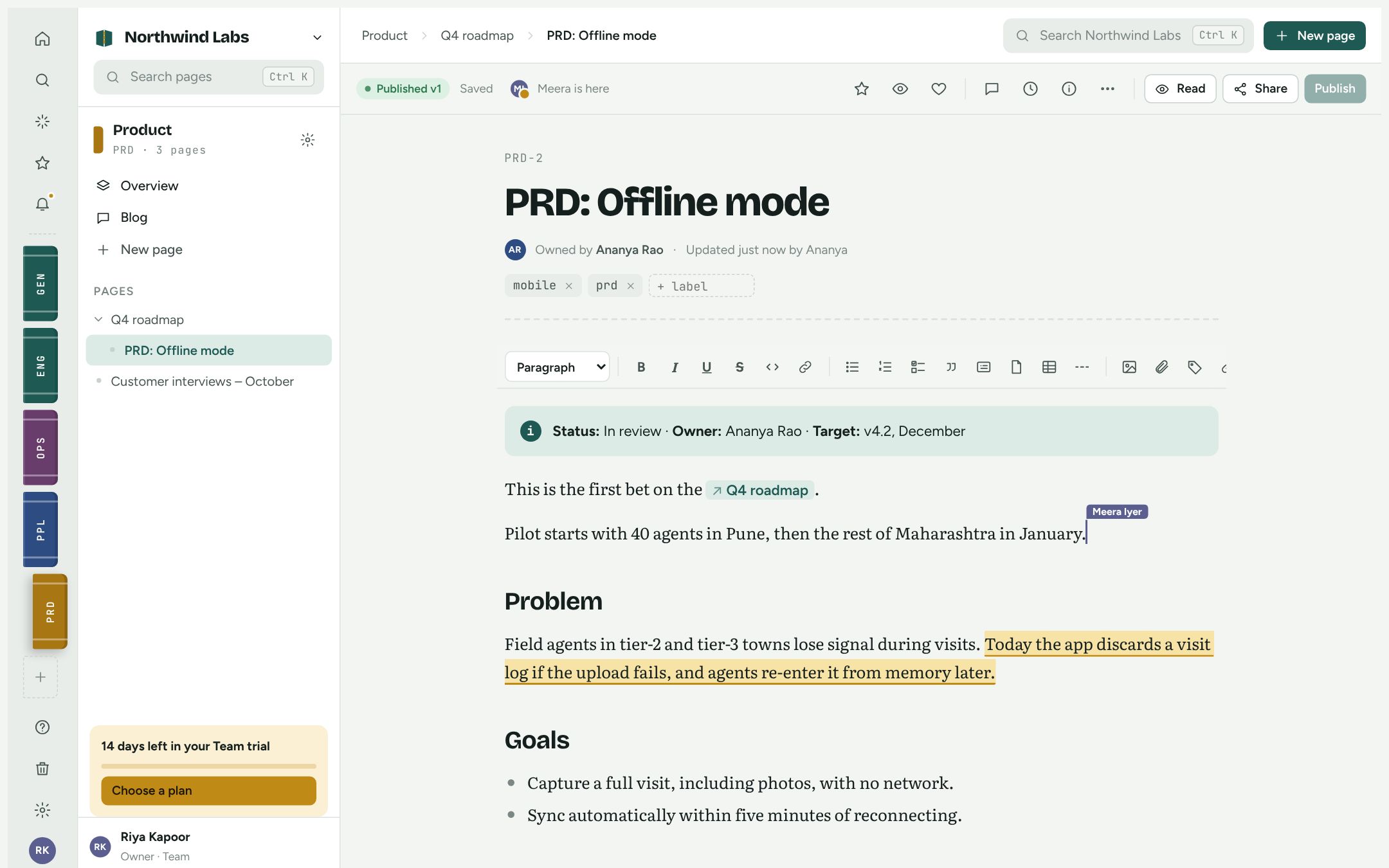
Comments where the conversation belongs.
Select any text and comment on it. Mention a teammate and they get a notification in the app, by email and on their phone. Resolve the thread when you're done.
- Inline and page-level comments with replies
- @mentions in pages and comments
- Watch a page to hear about every published change
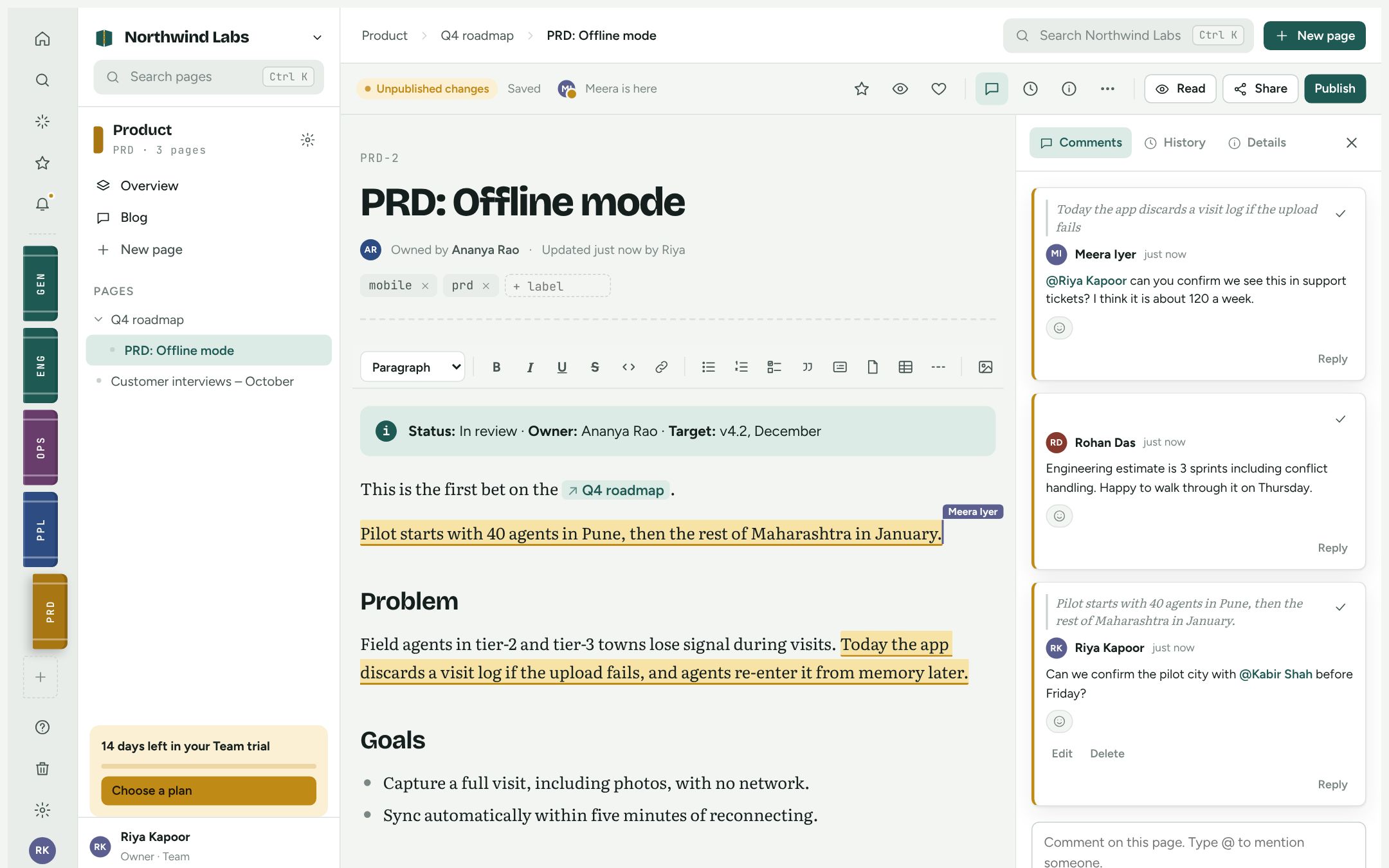
Search that only shows what you can open.
Press Ctrl+K from anywhere. Kenfolio searches titles and full text across every space, ranks the best matches first and highlights where the words appear. Restricted pages never leak into anyone else's results.
- Filter by space or label
- Jump straight to recent pages and commands
- Ask Kenfolio for a written answer with sources
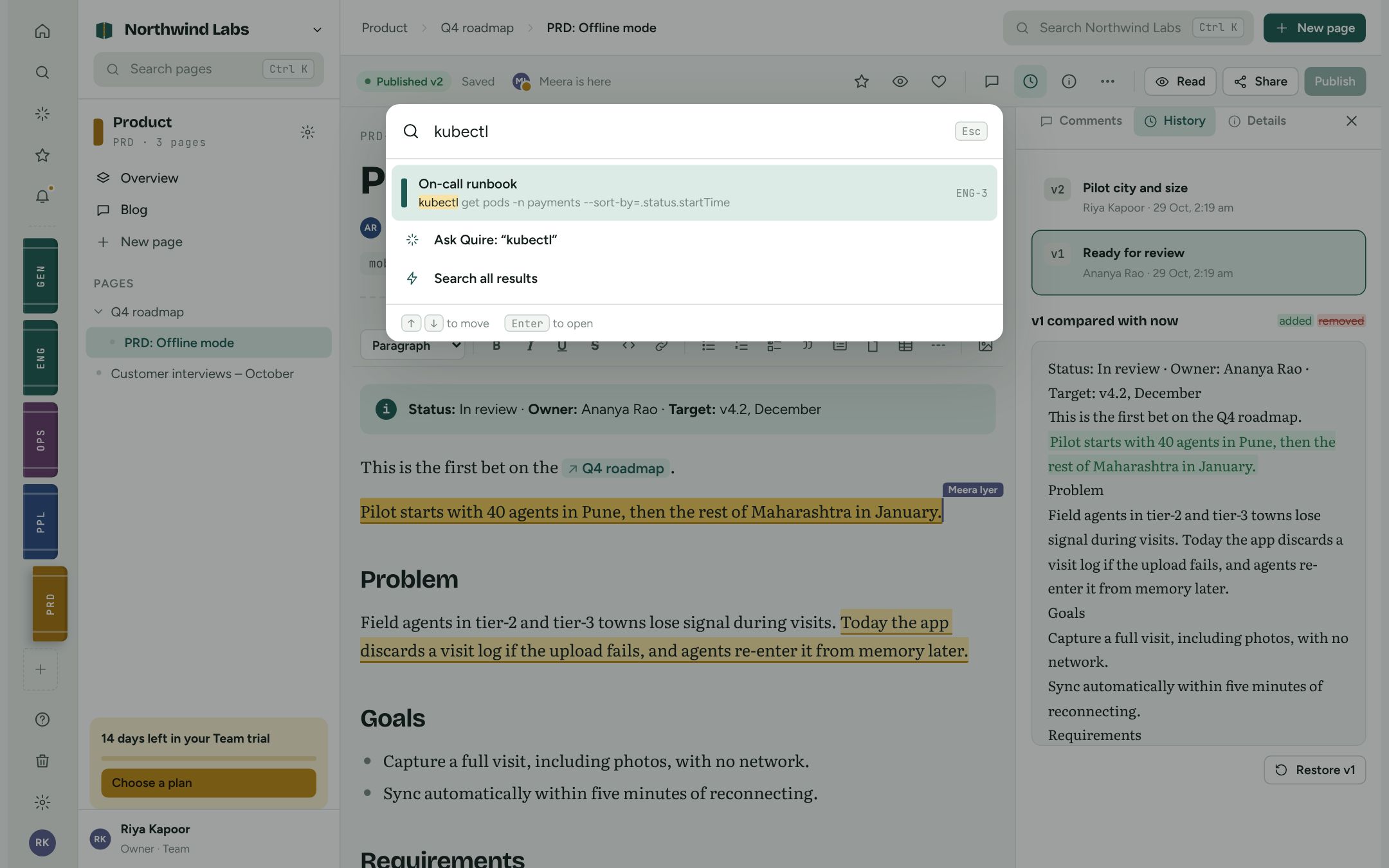
Built for a whole company, not one team.
Spaces
One per team, project or customer, each with its own home page, page tree, blog, people and default access.
Roles
Owners, admins, members and guests in the workspace; admins, editors and viewers in each space.
Page restrictions
Limit who can view or edit a single page, such as salary bands or an unannounced launch.
Templates
Start from built-in templates or save any page as a template for your team.
Labels
Tag pages and browse every page with a label across spaces.
Starred and recent
Keep the pages you use every day one click away.
Trash and archive
Archive pages to tidy the tree. Deleted pages wait 30 days in the trash before they're gone.
Public links
Share a read-only page with anyone, and switch the link off whenever you like.
Audit log
See who published, shared, exported or changed permissions, and when.
Imports
Markdown, HTML, plain text and Confluence space exports. Pages arrive as drafts to review.
API
A documented REST API with scoped, expiring tokens for scripts and CI.
Export
Admins can download every space, page, version and comment as JSON.
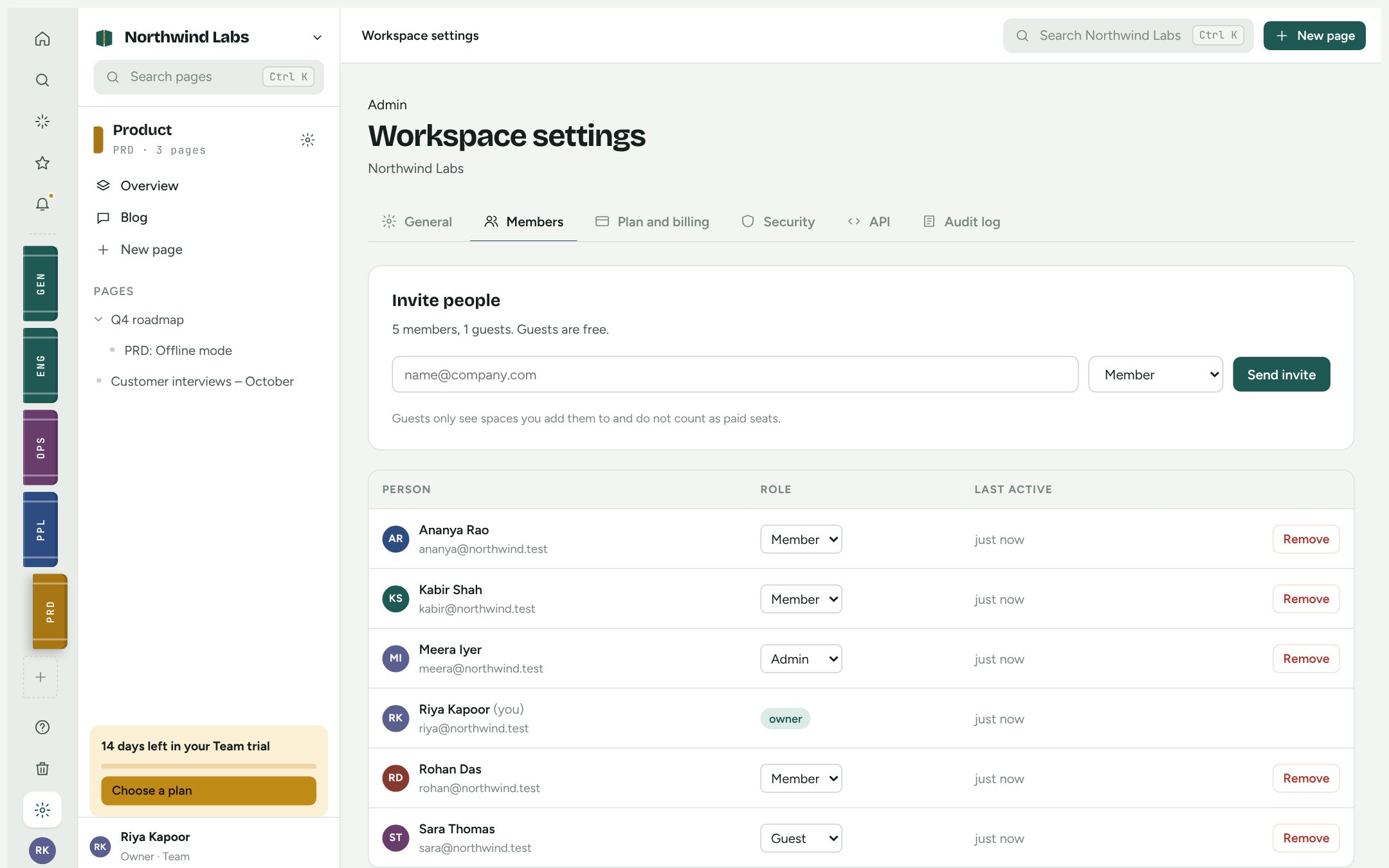
Settings that make sense to non-admins.
Invite people by email, change roles and manage billing in one place. Every setting explains what it does in plain words.
- Email invitations that expire after 7 days
- Session length and Google sign-in
- Plan, invoices and GST details
See it with your own pages.
Import a few docs and invite two teammates. It takes about five minutes.